
Free Learning Games for Kids: Play and Discover
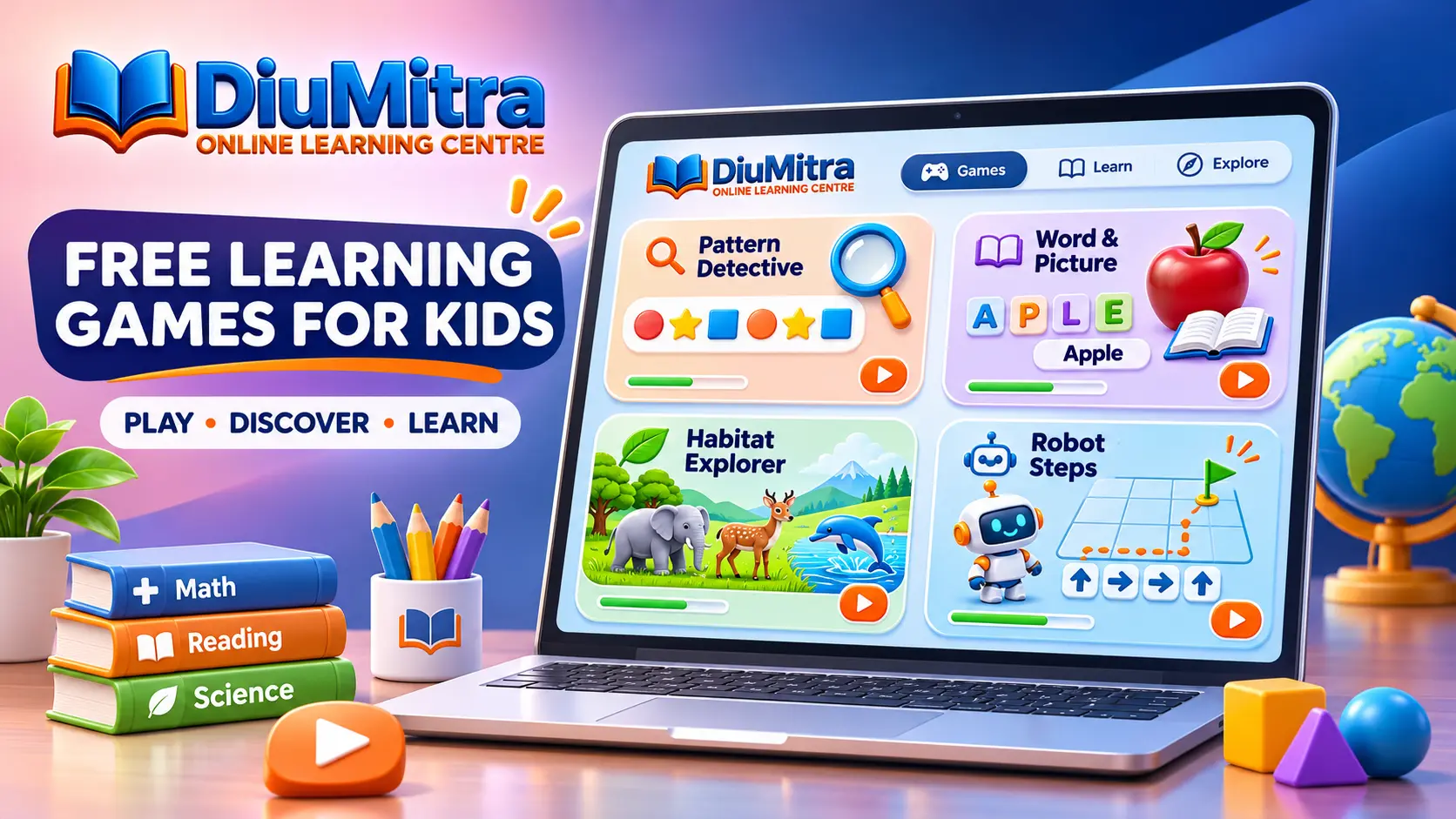
Free learning games for kids offer short, playful ways to explore patterns, reading, nature and simple coding ideas. Play four interactive games with five questions each, see explanations and try again at your own pace. These activities are free and untimed, with no account required. Parents and carers can join in.
Play the four mini-games without signing in. Answers and scores are used only during the current page visit and are not saved to a child profile.
Learn Through Patterns, Words, Nature and Coding
Children can explore familiar topics in small steps. The games combine noticing, choosing, checking and talking through an explanation, rather than racing for points.
Learning through short activities can encourage children to notice details, compare possible answers and explain their choices. Pattern games practise observation, picture words support early vocabulary, habitat questions invite discussion about the natural world, and robot directions introduce order and sequencing.
These are introductory play activities rather than tests of a child’s ability. Each one offers a small number of questions, so adults can pause to explain a word, repeat a picture or talk about a different answer.
Choose a Free Learning Game to Play
Choose from four original learning activities. Each one has five questions, instant answer feedback and the option to restart, with no sign-in or timer.
Pattern Detective
Spot repeating pictures, compare shapes and choose the next symbol.
Patterns and observation
Word & Picture
Match familiar pictures with simple words and practise reading clues.
Early literacy
Habitat Explorer
Read animal clues and choose a suitable home in the natural world.
Nature and reasoning
Robot Steps
Follow arrows, count moves and recognise simple instruction sequences.
Sequencing and coding
Play Four Free Learning Mini-Games
Choose a game, answer one question at a time and read the explanation. Try Pattern Detective, Word & Picture, Habitat Explorer or Robot Steps; no scores are stored.
Pattern Detective
Look for what repeats. Choose the symbol that comes next.
Choose a game to begin.
The games use five original questions per topic. A completed activity shows a score for that session, but it is not an educational assessment or a record of progress.
Which Learning Game Should Your Child Try First?
Start with a subject that interests the child. A familiar picture game may be easier to begin with, while pattern spotting and simple sequences offer a different kind of challenge.
| Game | Learning idea | What children do | Helpful adult support |
|---|---|---|---|
| Pattern Detective | Observation and repetition | Choose the next symbol in a sequence. | Say the repeating pattern aloud together. |
| Word & Picture | Vocabulary and picture recognition | Match an object or animal with its written word. | Read options slowly and compare letters. |
| Habitat Explorer | Nature and reasoning | Choose a suitable home using an animal clue. | Talk about food, water and shelter. |
| Robot Steps | Order and simple instructions | Select arrows and count movement steps. | Trace each step on paper or a table. |
How to Make Learning Games Fun and Useful
Try one short game, talk about the answer and explore the same idea with everyday objects. There is no need to rush.
Choose a Game
Start with patterns, picture words, animal habitats or robot directions. An adult can read the choices aloud.
Try and Talk
Choose an answer, read the short explanation and talk about what makes that choice suitable.
Try an Offline Example
Make a picture pattern, name objects around the room or move a toy using arrow instructions.
Three Learning Games to Try Away from the Screen
Continue the activities with familiar objects, stories and conversations. No screen or special equipment is needed.
Make a Pattern
Arrange a spoon, a cup, a spoon and a cup. Ask what belongs next and let the child extend the pattern.
Picture Word Hunt
Point to a book, chair or cup and practise saying and writing a matching word together.
Guide a Toy Robot
Draw a simple grid and guide a toy from one square to another using up, down, left and right.
Privacy, Family Support and Learning Boundaries
The four mini-games run in the browser, require no account and do not ask for a child’s name, age or contact details.
The on-page quiz script does not transmit answers or create profiles. Restarting or reloading the page resets the activity; the wider DiuMitra website may have its own privacy and security practices.
These games support informal learning but do not replace school lessons, professional assessment or parental supervision. Choose activities according to a child’s understanding and comfort, and take breaks when helpful.
Free Learning Games for Kids FAQs
Answers to common questions about cost, age suitability, scores, browsers and family support.
Make Discovery a Small Part of Every Day
Play any of the four free learning games whenever you like, or browse the wider Kids Learning hub for more activities. Parents and carers can contact DiuMitra for help finding an appropriate learning section.
Younger children should play with an adult nearby. Family guidance and access conditions may differ for other DiuMitra learning resources.