
Online Safety Course for Beginners: Learn at Your Pace
An online safety course for beginners helps adults recognise suspicious messages, protect accounts and make safer choices on websites and social media. Learn through simple, independent examples and try a free interactive scam-spotting exercise. These internet safety lessons explain practical habits you can use without needing advanced technical knowledge or a live class.
Start with the free safety lesson and scenario challenge. Complete course lessons, enrolment details and any completion records will appear only when verified and released.
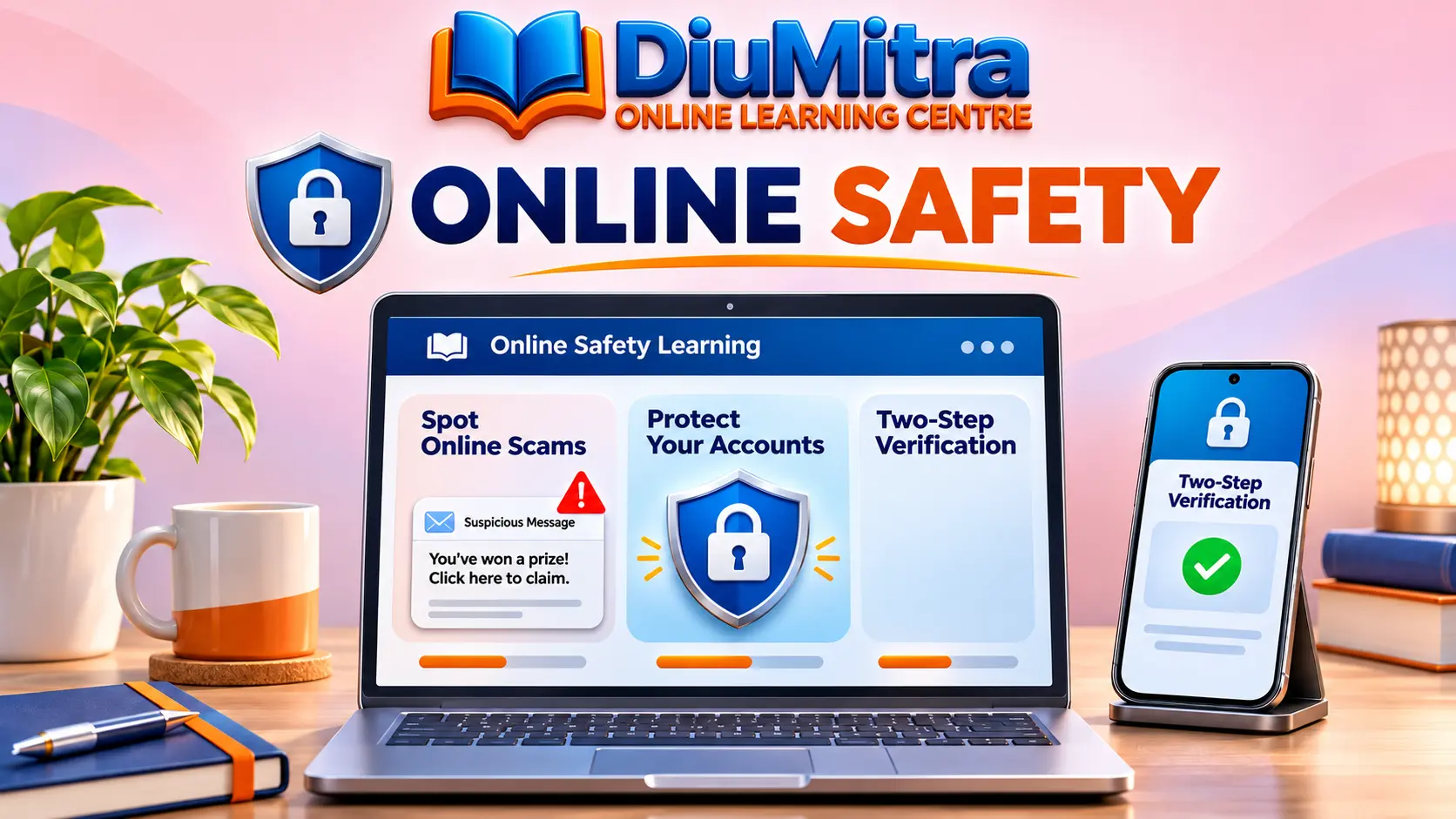
Start with Simple Online Safety Skills
Follow three practical steps: recognise a suspicious message, choose a safer response and explore the wider learning topics. Each example is written for everyday situations, not specialist cybersecurity work.
Your First Online Safety Lesson: Stop, Check, Decide
A convincing message is not necessarily genuine. Practise checking a sender, avoiding unexpected links and choosing an official contact route before you act.
1. Why might an unexpected delivery-payment message be suspicious?
Impersonation messages can look genuine. Check any claimed delivery through the company’s official app or a trusted address you enter yourself.
2. Is a padlock symbol or familiar logo enough to prove a message is safe?
Verify the sender and website using an independently known channel before entering sensitive information.
3. What should you do before entering a one-time sign-in code?
Do not give a one-time code to someone contacting you unexpectedly, even if they claim to be from a bank or support team.
These original examples are learning practice, not live reports of current fraud attempts. Continue with the interactive online safety scenario challenge to choose a response and read why it is safer.
Spot the Scam: Free Online Safety Practice
Read realistic fictional situations and choose the safest response. You receive immediate feedback after each answer, with no timer, sign-in or saved score.
What Would You Do?
Seven short examples help you practise sensible online decisions. All messages and situations are fictional.
A text tells you to pay an unexpected parcel fee using its link. What is safer?
Enable JavaScript to play the interactive activity. The free lesson above still works without it.
Practice only. No account, tracking of answers, timer or leaderboard is built into this activity. The quiz does not send information to another service.
These are fictional scenarios intended to teach safer everyday decisions, not a real fraud detection service. For official reporting routes, see GOV.UK guidance on suspicious messages and websites.
Online Safety Course for Beginners: Learning Topics
These six practical topics form a suggested self-study path. Work through the free sample on this page; further lessons and any enrolled course access depend on what has been released.
| Learning topic | What you practise | Simple take-away |
|---|---|---|
| 1. Suspicious messages | Spotting pressure, impersonation, unusual links and requests for information | Pause and verify through a trusted channel |
| 2. Safer passwords | Using long, unique passwords and suitable password managers | Protect important accounts with different passwords |
| 3. Two-step verification | Understanding login checks and protecting one-time codes | Enable extra sign-in checks where available |
| 4. Safe browsing and updates | Recognising fake pop-ups and using legitimate device updates | Get software from trusted sources |
| 5. Personal information | Limiting oversharing and reviewing account privacy controls | Think carefully before posting personal details |
| 6. Reporting and recovery | Knowing where to report suspicious communications and seek help | Act quickly using official reporting and account-recovery routes |
The National Cyber Security Centre explains two-step verification, while GOV.UK explains how to report suspected phishing. Requirements and reporting routes may change, so refer to the current official guidance.
How to Practise Safer Online Habits
Start with small changes you can make to your own accounts. A useful routine combines checking suspicious messages, strengthening account access and keeping software up to date. Never test suspicious links to see whether they are real.
Pause Before You Click
Look for urgent requests, unfamiliar links and unexpected attachments. An official-looking logo alone does not prove a message is genuine.
Verify Independently
Open the organisation’s official app or enter its known address yourself. Avoid phone numbers or links supplied only by the suspicious message.
Protect Important Accounts
Use unique passwords, a suitable password manager and two-step verification where available. Install device updates from genuine settings.
Review and Report
Review privacy settings, keep useful recovery details secure and report suspicious messages through the appropriate official service.
Online Safety Self-Study vs Live Digital Skills Classes
Choose self-paced lessons when you want to practise basic online safety independently. Live classes are a separate format for learners who prefer scheduled instruction and the opportunity to ask a tutor questions.
| Self-Paced Online Safety Study | Tutor-Led Digital Skills Classes |
|---|---|
| Read examples and practise decisions independently | Attend teaching sessions when scheduled and available |
| Repeat the fictional safety scenarios at your own pace | Ask an instructor questions during supported sessions |
| Focus on everyday online habits, messages and account protection | Follow the live course topics provided by the class organiser |
| Full enrolment access is subject to actual release | Class registration and support depend on the Academy programme |
For teacher-led learning options, explore DiuMitra Academy. This page focuses on practical independent online safety lessons, not live sessions or specialist cybersecurity accreditation.
Trusted Online Safety Guidance for Everyday Learners
DiuMitra aims to make online safety easier to understand through community-led learning, simple language and practical examples. Our scenarios encourage people to verify information rather than trusting a familiar logo, urgent claim or unexpected message.
For suspected scams, avoid responding or sharing bank details, passwords or one-time sign-in codes. In the UK, you can forward suspected phishing emails to report@phishing.gov.uk and suspicious text messages to 7726. Refer to official GOV.UK instructions for current reporting routes and follow your bank’s genuine emergency process if money or account access may be affected.
Online Safety Course for Beginners: Common Questions
Answers about the free safety practice, suspicious messages, account protection, course availability and the difference between self-paced lessons and live support.
Start Building Safer Online Habits Today
Read the free lesson, try seven realistic safety decisions and explore more self-paced learning options. If you are unsure about a message, use trusted official guidance rather than acting on an unexpected link.
The practice is independent educational content, not an active security-checking service or a published full course. Enrolment, fees, lesson access and any certificates must be confirmed on the released listing.