
Educational Games for Kids: Learn Through Play
Educational games for kids turn counting, words, patterns and problem-solving into short, enjoyable learning activities. Explore DiuMitra’s maths adventures and discovery topics, try a few simple challenges together and choose a suitable next activity. Grown-ups can guide each child’s experience and check access settings before opening the learning portal.
Made for family-guided learning. Activities inside the learning portal may require a parent or guardian to sign in and set permissions.
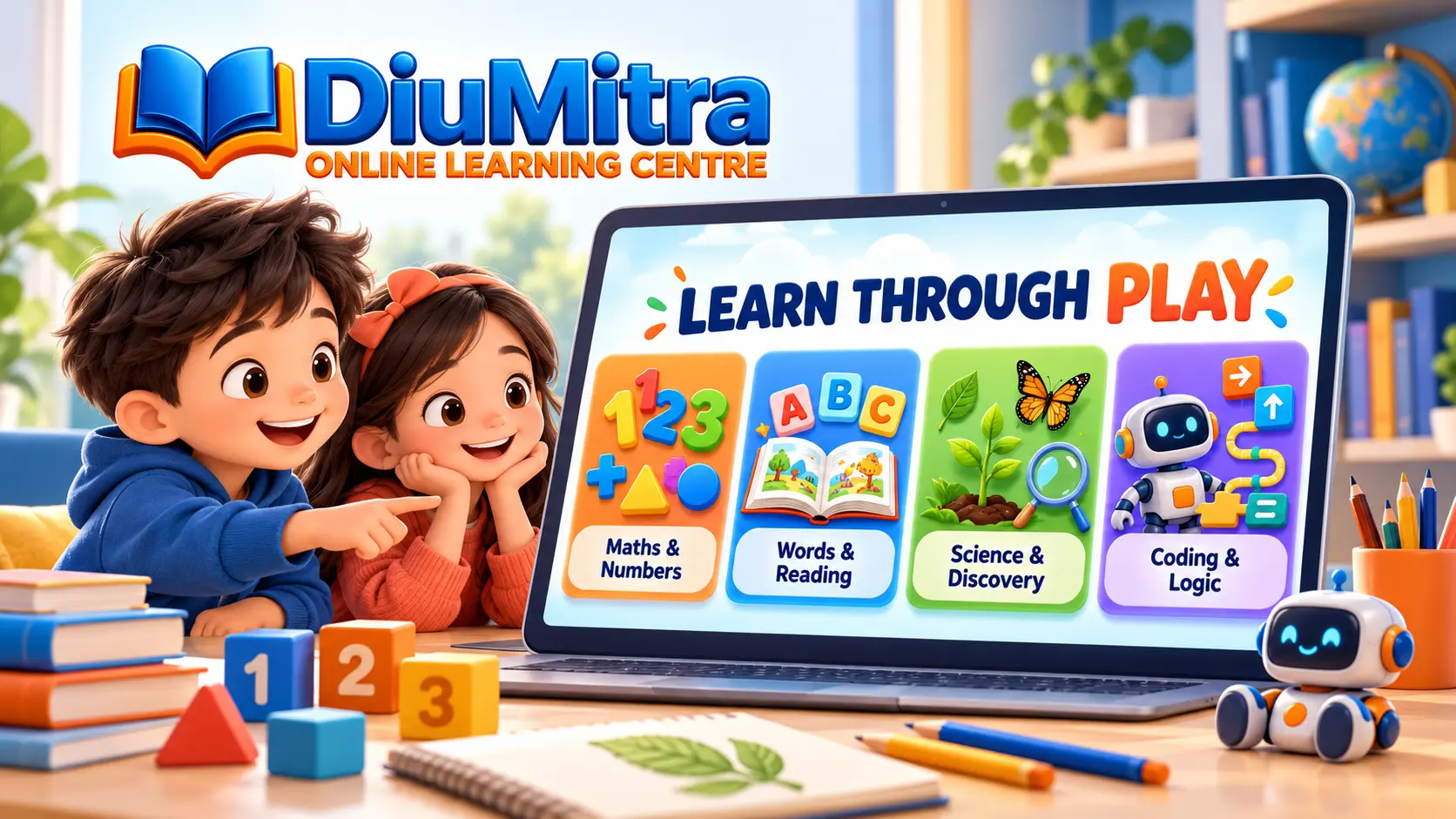
Explore Educational Games by Skill
Pick a familiar subject, then follow the link to the relevant activity inside the DiuMitra learning portal. Available activities and access rules depend on the learner profile.
Maths & Numbers
Explore primary maths activities, including counting, number bonds, shapes, equal groups and everyday problems. Start with a supported level, then explore more complex patterns.
Explore Maths & NumbersWords & Reading
Play with word patterns and letter tiles at a child’s pace. Reading activities can depend on editorial approval, so check what is currently available.
Explore Words & ReadingScience & Discovery
Observe plants, animals, weather and habitats. Use everyday questions to compare evidence and discuss what a child notices.
Explore Science & DiscoveryCoding & Logic
Try step-by-step instructions, patterns and robot puzzles. Short tasks introduce sequencing and debugging rather than free-form programming.
Explore Coding & LogicThree Quick Learning Challenges
These small read-and-reveal exercises work without a login or timer. Ask the child to explain their choice before opening the answer.
How many buttons altogether?
Imagine three groups with four buttons in each group. Count all the buttons. Is the total 7, 12 or 16?
Reveal answer and explanation
12 buttons. There are 4 + 4 + 4 buttons, which equals 12. You can also write this as 3 × 4 = 12. Try showing the groups with real objects.
Which word rhymes with cat?
Say the word “cat” aloud. Which sounds most similar at the end: “hat”, “pen” or “dog”?
Reveal answer and explanation
Hat. Cat and hat share the ending sound “at”. Try saying bat, mat and sat. Listen to the sounds before looking at the spelling.
Which things need water to grow?
Think about a plant in a pot and a plastic toy. Which one needs water as part of growing: the plant, the toy or both?
Reveal answer and explanation
The plant. Living plants need water for growth. A plastic toy does not grow. With a grown-up, compare a watered plant with a toy and explain what makes them different.
For grown-ups: These are short examples, not diagnostic tests or evidence of mastery. There is no score, account requirement or collection of a child’s answers on this page.
Open a Learning Activity
For longer activities, the DiuMitra learner portal provides guided experiences. Sign-in, age settings or a guardian’s permission may be required depending on the account.
Maths Adventure
- Visual counting, number bonds and shapes
- Equal groups, multiplication and fractions
- Practical money and measurement challenges
- Hints and explanations when enabled for the learner
Discovery Isles
- Nature and habitat exploration
- Word and sound-building activities where released
- Step-by-step robot reasoning and coding puzzles
- Short themed challenges rather than competitive ranking
Access note: Not every topic is necessarily released or available to every learner. Parents should check the portal’s current access, age suitability and safety settings before a child begins.
How to Make Learning Through Play Useful
Make each session manageable and responsive to the child’s interests rather than a race to finish.
Choose a Skill
Start with a topic the child already enjoys. Counting and pattern recognition are useful starting points for many learners.
Try a Short Activity
Allow enough thinking time. The examples on this page require no login, while portal games may require a family account.
Talk Through the Answer
Ask how the answer was found. A useful explanation matters more than finishing every question quickly.
Pause or Try Again
Take breaks, use real objects and revisit ideas later. Choose a more suitable level if a task feels too difficult.
Which Learning Activity Should You Choose?
Use the skill being practised—not a competitive score or an arbitrary age label—to choose a comfortable starting point.
| Learning goal | Try this type of activity | Grown-up support |
|---|---|---|
| Counting and numbers | Number objects, compare groups and make number bonds | Count household items together before using a screen |
| Multiplication | Equal groups and times tables patterns | Draw arrays and discuss how the same total can be grouped |
| Words and reading | Rhyming, sounds and simple word-building | Say words aloud, check that the reading activity matches the child’s level |
| Science and nature | Habitats, plants, weather and observations | Talk about what can be seen, compared or tested safely |
| Logic and coding | Sequences, robot routes and pattern puzzles | Ask the child to predict what each instruction will do |
| Learning away from screens | Printable worksheets and everyday-object games | Choose a short, relevant task and talk about the method |
A Calm, Supported Learning Space
Online activities work best when a grown-up understands what the child is playing, what information is recorded and when to take a break.
Before your child starts
- Check the activity description and current availability
- Choose a comfortable level and allow breaks
- Review the family account and child-access permissions
- Stay nearby for younger children who need help reading instructions
What this public page does not do
- Ask for a child’s name, email or personal information
- Publish a child’s scores or profile
- Offer a public leaderboard or messaging with strangers
- Make a child purchase learning content to finish an activity
The three examples on this page have no forms or account tracking. Portal activities have separate sign-in, permissions and privacy rules. Parents should check the current settings and terms before enabling a child account.
Kids Learning FAQs
Find clear answers about children’s activities, supported access and choosing suitable learning tasks.
Find a Comfortable Place to Start
Explore a small activity with your child, then try the learning portal when you are ready. Parents and guardians can contact DiuMitra with questions about available learning options.
A parent or guardian should manage enquiries and accounts. Learning activities are informal educational support and do not guarantee school results or qualifications.