

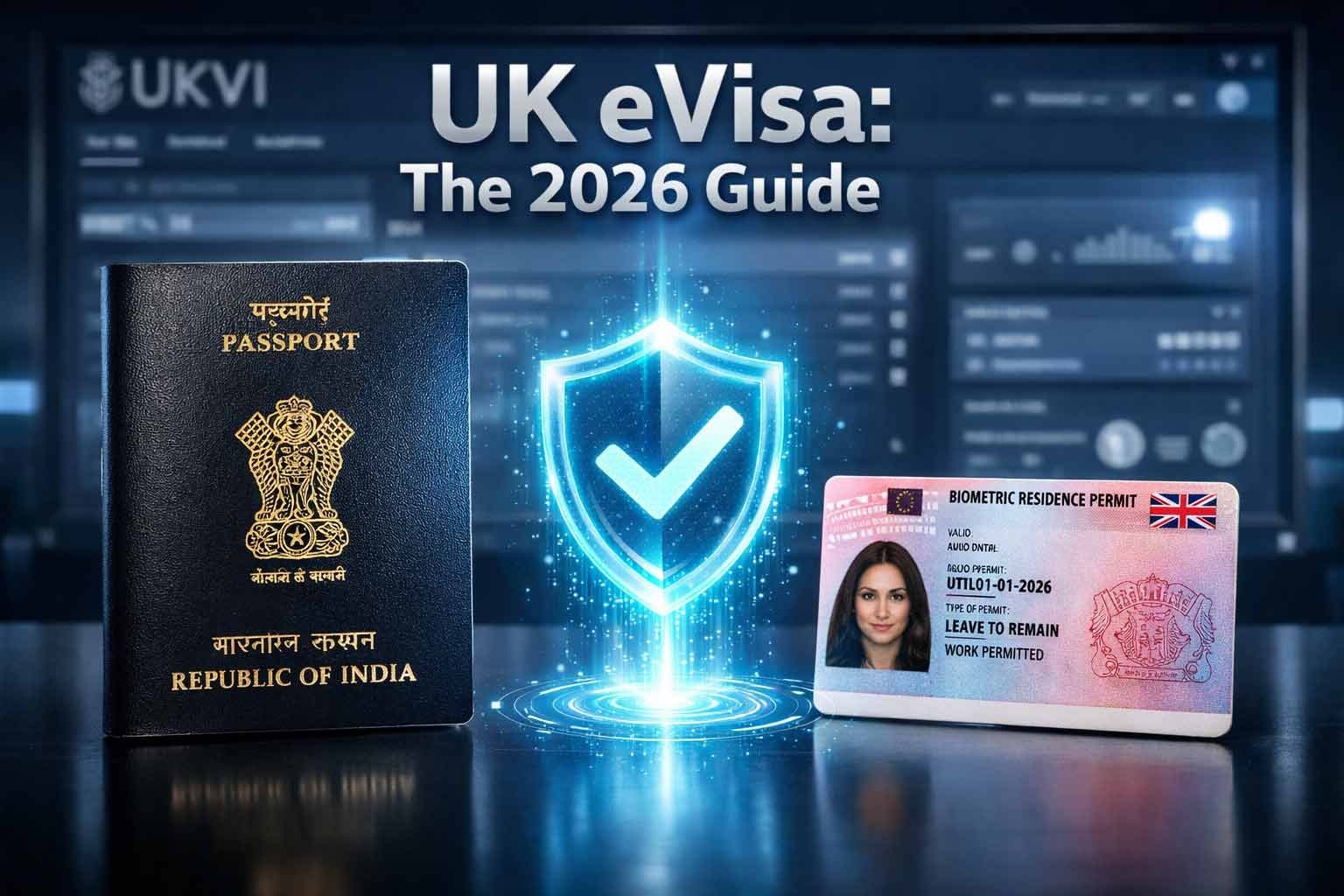
Linking your Indian passport to your UK eVisa means making sure your current passport or travel document is recorded in the UKVI account that gives you access to your digital immigration status. In 2026, all BRPs have expired and cannot be used for travel to the UK, so Indian passport holders should check their UKVI account and eVisa before every international journey.
How Do You Link an Indian Passport to a UK eVisa in 2026?
First check whether you already have a UKVI account—do not create a duplicate account if one already exists. Sign in to view your eVisa, confirm that your current Indian passport is listed, and use the official UKVI update service if the passport number or expiry date has changed. Before travel, make sure your eVisa details match the passenger information given to your airline.
Checked August 2026: this guide was reviewed against current GOV.UK eVisa, UKVI account, travel, update-details, share-code and No Time Limit guidance. Immigration processes can change, so check GOV.UK again before travel or submission.
What Is a UK eVisa in 2026?
An eVisa is the Home Office’s digital record of your identity, immigration status and the conditions attached to it. A UKVI account is the online account used to access that eVisa. Moving from a physical document to an eVisa does not by itself change the immigration permission you were granted.
What Happened to BRPs and Visa Stickers?
GOV.UK states that all BRPs have expired and have been replaced by eVisas. Expired BRPs stopped being accepted for travel to the UK from 2 June 2025.
An expired BRP may still be usable to create or access a UKVI account for a limited period. Current GOV.UK rules apply a time limit and a 31 December 2026 long-stop date.
If you already have a valid visa vignette, GOV.UK says it remains valid until its expiry date.
UKVI stopped issuing visa vignettes to successful new applicants from 1 July 2026, subject to the current exceptions explained by GOV.UK.
Keep an expired BRP safely rather than destroying it. GOV.UK says it may still help with future immigration applications and, while the transition rules allow, with setting up or signing in to a UKVI account.
Before You Start: Check Whether You Already Have a UKVI Account
You may already have a UKVI account if you previously used the UK Immigration: ID Check app, created an account during a visa application, replaced a physical document with an eVisa, or used the EU Settlement Scheme.
Do not create a second UKVI account just because you cannot remember the first sign-in details. Try the official sign-in or account-recovery route first.
If you do need an account, GOV.UK says you need a phone number and email address you can use when signing in, plus the identity or application details requested for your route. An eligible expired BRP can still be used in some account-setup situations during the current transition period.
How to Link Your Indian Passport to Your UK eVisa
Passport Linking Process
Use the official UKVI services and follow the instructions shown for your own account. The screens can differ depending on how your status was created.
Use the identity document or UKVI details currently associated with your account.
Confirm your name, date of birth, photo and immigration status are displayed correctly.
Make sure your current Indian passport is recorded in the account you use for your eVisa.
Use the official UKVI update-details service when the passport number, expiry date or other relevant personal information has changed.
If UKVI asks you to use the ID Check app, follow the on-screen document and identity steps. Alternative routes are available in some circumstances.
Sign in again before your trip and make sure the details match the passport and passenger information you will give the carrier.
Using the UK Immigration: ID Check App
Use the app only when the official UKVI process tells you to. A compatible smartphone can be used for identity verification, and GOV.UK says a family member or friend’s compatible phone can be used in some cases.
Do not rely on unofficial claims about where an Indian passport chip “must” be located. Follow the app instructions for the document you actually hold and use official UKVI help if the document or photo cannot be read.
What If You Renewed Your Indian Passport?
If your Indian passport has been renewed, update the passport or travel-document details in your UKVI account. An out-of-date account can cause travel or application delays.
For a biometric passport, the travel guidance says you can update passport details such as the number and expiry date and, in some situations, changes to name or nationality. If the passport is not biometric, you can update the passport number and expiry date directly; other changes may require UKVI to update the account and you may be asked for biometrics.
Travelling to India and Returning to the UK With an eVisa
Your eVisa is digital, but you still travel with your valid current passport or travel document. Before departure, check that your eVisa is correct and that the passport you intend to use is recorded in your UKVI account.
GOV.UK says your eVisa may be checked when you leave or enter the UK and when you check in with your carrier to return to the UK. Your details should exactly match the passenger information supplied to the airline or other carrier.
Before Flying Back to the UK
Use this as a practical pre-travel check. The boxes work without custom JavaScript.
What If the Airline Cannot Check Your eVisa?
If a carrier cannot verify your eVisa automatically, GOV.UK says you can provide a share code as additional proof. A travel share code is valid for 90 days, so you can generate one before leaving the UK or before your return journey.
GOV.UK also tells passengers to ask the carrier to contact the UK Border Force carrier support hub if it cannot check the eVisa. The carrier decides whether it can board you after carrying out its required checks; DiuMitra cannot override that decision.
Share Codes for Travel, Work and Rent
Share codes let another person or organisation check the relevant part of your immigration status. Current GOV.UK guidance says a share code lasts for 90 days and can be reused before it expires.
| Purpose | Who uses it? | Important point |
|---|---|---|
| Travel | Carrier or border official if additional proof is requested | Generate the code through the eVisa service; current guidance says it is valid for 90 days. |
| Right to work | Employer | Generate a right-to-work share code. The employer must use the official employer checking service. |
| Right to rent | Landlord or letting agent in England | Generate a right-to-rent share code. It is purpose-specific and cannot be substituted with a work code. |
| Other status checks | Relevant organisation or person | Choose the correct reason for sharing when the service asks why you need the code. |
A share-code screenshot is not a substitute for the checker completing the required online check. For example, employers and landlords use their own GOV.UK checking service with the code and your date of birth.
Common eVisa and UKVI Account Problems
UKVI has an official recovery service for people who have lost access to the phone number, email address or identity document used to sign in.
Use the official error-reporting service if the status, date of birth or other eVisa information is wrong or if the eVisa cannot generate a share code.
Use the official update-details service for a new passport, travel document, email, phone number, address or other supported changes.
If the ID Check app cannot read the document or complete identity verification, use the official help route rather than repeatedly creating new accounts.
UKVI currently says it aims to fix most reported eVisa errors within 5 working days, while complex issues can take up to 15 working days. That is an operational aim rather than a guaranteed completion time, so avoid booking critical travel around an assumed repair date.
Do Children and Dependants Need Their Own UKVI Accounts?
Partners and children who need eVisas need their own UKVI accounts. A parent or another appropriate person can manage an account on behalf of a child or someone who cannot manage it themselves.
ILR With an Old Passport Stamp or No BRP: No Time Limit
If you have settlement—Indefinite Leave to Remain or Indefinite Leave to Enter—but only have legacy physical evidence such as an old passport endorsement, you may need a No Time Limit (NTL) application to obtain digital confirmation in the form of an eVisa.
Current Home Office guidance says NTL applications are free, must be made in the UK and can take up to 6 months. Successful applicants receive an eVisa. If you already have an eVisa, you should not make an NTL application.
Keep Your UKVI Account Secure
- Use an email address and phone number you control. Keep them updated in the UKVI account.
- Do not share your UKVI password or one-time security codes. A legitimate adviser can guide you without taking control of your credentials.
- Use GOV.UK links. Avoid websites that imitate UKVI services or ask for payment simply to create an account or view an eVisa.
- Recover the account through the official service. Do not create a duplicate account because you lost access to an old phone or email.
Official UK eVisa Sources to Check
Use GOV.UK for Current Rules and Account Actions
How DiuMitra Can Help With the BRP-to-eVisa Transition
DiuMitra provides community-led, advisory-only support for people who want help understanding the UKVI process, preparing information and following the correct official route.
Support can be explained in clear English with Gujarati and Hindi language assistance. You remain in control of your UKVI account, passwords, security codes and submissions.
Frequently Asked Questions About UK eVisas and Indian Passports
Need Help Checking Your BRP-to-eVisa Steps?
DiuMitra can help you understand the general UKVI process, organise the information you need and work through official guidance in clear English, Gujarati or Hindi. You remain responsible for your UKVI account, document updates, travel checks and submissions.
⚠️ Disclaimer: All services are offered on an advisory basis only. We do not act as legal, immigration, or financial representatives, and we do not guarantee outcomes. Any actions or applications taken based on our guidance are the sole responsibility of the individual. We connect you with relevant resources and trusted providers where possible, but all arrangements and submissions remain your responsibility.
