
The landscape of UK immigration has undergone its most significant transformation in decades. As of early 2026, the era of the physical Biometric Residence Permit (BRP) and Biometric Residence Card (BRC) has officially ended. For the thousands of Indian nationals living, working, and studying in the UK, this shift to a digital-only “eVisa” system is not just a technical update—it is a mandatory requirement for international travel and proving your right to stay.
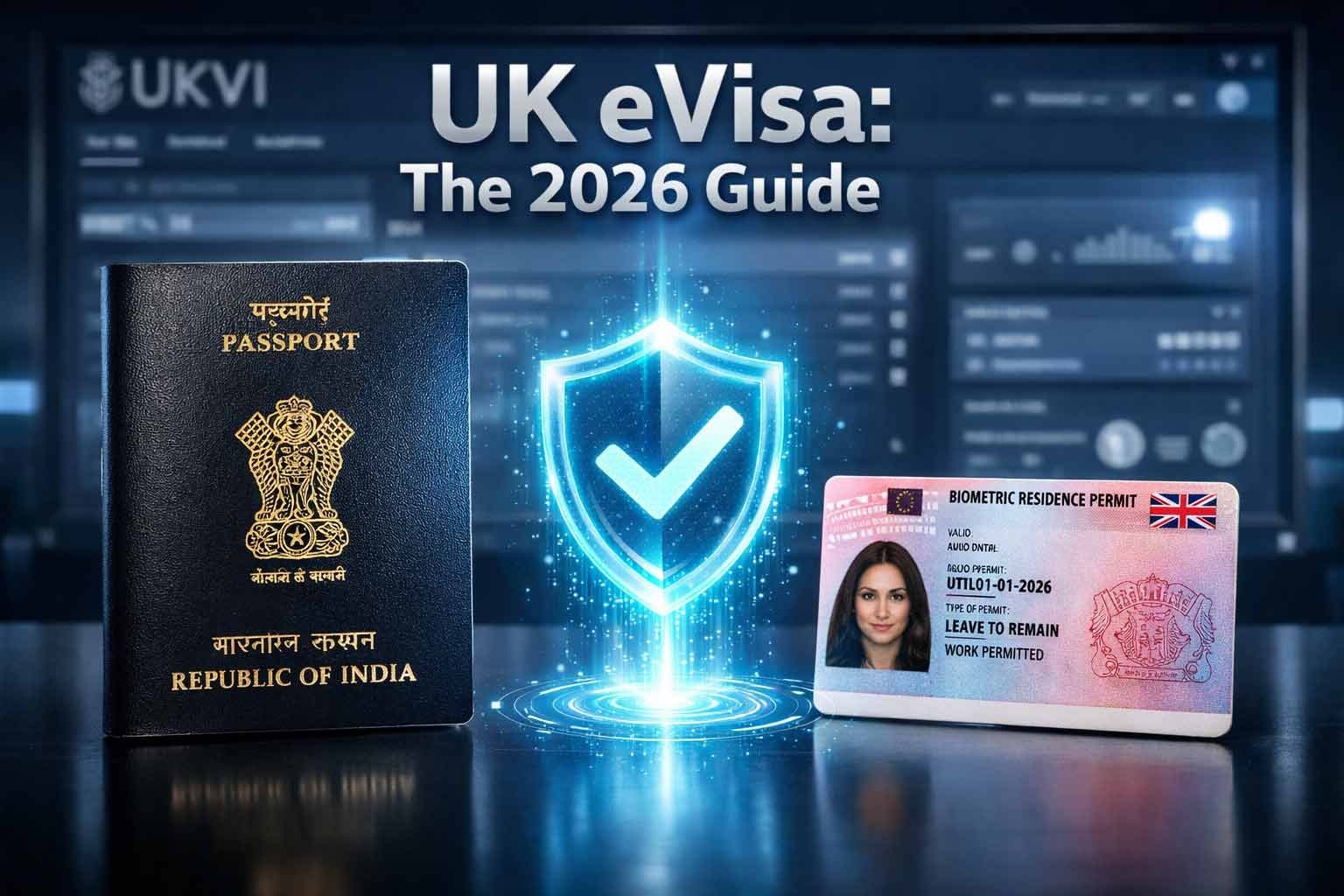
If you are an Indian passport holder and haven’t yet linked your document to a UKVI account, you risk significant delays at Heathrow, Birmingham, or Delhi airports. This guide provides the definitive, expert-backed roadmap to ensuring your digital status is flawless.
Key Takeaway: Physical BRP cards are no longer valid proof of status. You must create a UKVI account and link it to your current Indian passport to generate “Share Codes” for employers and landlords, and to pass through border control seamlessly.
If you find the technical steps overwhelming or simply want the reassurance of an expert review, we offer guided support. Visit our BRP & eVisa Transition Help page to learn how we can assist you with your account setup.
1. What is the UK eVisa and Why is the BRP Expiring?
The UK Home Office has moved to a “digital-by-default” border. The goal is to replace physical documents—which can be lost, stolen, or tampered with—with a secure, online record of your immigration status.
The 2024–2026 Transition Timeline
While the phase-out began in late 2024, 2026 marks the year of total implementation:
- Late 2024: Home Office began emailing BRP holders to create UKVI accounts.
- 2025: Most BRPs expired on December 31, 2024. A transitional period allowed travel with expired cards until June 2025.
- 2026: The digital transition is complete. All carriers (airlines) now check digital status via the UKVI system before boarding. As of February 25, 2026, the UK has fully enforced the “No permission, no travel” rule through the Electronic Travel Authorisation (ETA) and eVisa frameworks.
Why Indian Passport Holders Need a UKVI Account
For NRIs (Non-Resident Indians), the connection between your Indian passport and your UK visa is vital. When you fly from Delhi or Mumbai back to the UK, the airline will no longer ask to see a plastic BRP. Instead, they will scan your passport, which must be “linked” to your eVisa in the UKVI database. If this link is broken or outdated, you may be denied boarding.
2. Comparing the Old vs. New: BRP vs. eVisa
Feature | Physical BRP (Old System) | Digital eVisa (Current System) |
|---|---|---|
Format | Plastic credit-style card | Secure digital record in UKVI Cloud |
Risk | Can be lost or stolen (£200+ to replace) | Cannot be lost; accessible anywhere |
Travel | Must carry physical card at all times | Linked to passport; no card needed |
Updates | Requires a new card if details change | Update details instantly online |
Verification | Physical inspection | Secure “Share Code” system |
3. Step-by-Step: How to Link Your Indian Passport to Your UKVI Account
Follow these steps carefully. At DiuMitra, we recommend doing this on a laptop while having your smartphone ready for the identity verification stage.
Step 1: Create Your UKVI Account
Navigate to the official GOV.UK “Create a UKVI account” page. You will need:
- Your BRP number (even if expired).
- A valid email address and UK mobile number.
- Access to a smartphone.
Step 2: Use the ‘UK Immigration: ID Check’ App
This is where many Indian nationals face technical hurdles.
- Download the app: Search for “UK Immigration: ID Check” on the Apple App Store or Google Play.
- Scan your BRP: The app will guide you to take a photo of the card.
- Scan the Indian Passport Chip: This is the most critical technical step.
Expert Tip for Indian Passports: The chip in most modern Indian passports is located inside the back cover or the photo page. When the app asks to “scan the chip,” place your phone flat against the back cover and move it slowly until it vibrates and begins “Reading.” Do not move the phone until the progress bar hits 100%.
Step 3: Link Your Current Indian Passport
If you have renewed your Indian passport since you first arrived in the UK, you must ensure the UKVI account is linked to the new passport.
- The system may initially pull data from your BRP.
- Once the account is created, go to the “Update your details” section.
- Add your new passport number as your primary travel document.
Step 4: Confirming Your Digital Status
Once you finish the app process, you must return to the GOV.UK website to complete the application. You will receive an email (usually within 24–72 hours) confirming that your “UKVI account is ready.” Log in to the “View and Prove” service to see your photo and visa details digitally.
Still struggling to get your passport details to link correctly? Many of our users face similar technical blocks. Check our BRP & eVisa support options here for step-by-step guidance, including shared-screen assistance to ensure your status is correctly updated.
4. Technical Troubleshooting for Indian Nationals
I. The “No Chip Detected” Error
Indian passports issued between 2018 and 2024 have very sensitive RFID chips. If your phone isn’t reading it:
- Remove your phone case: Even thin silicone cases can block the signal.
- Check the positioning: On iPhones, the reader is near the top camera lens. On many Androids, it is in the center of the back.
- Lighting: Ensure you aren’t under direct bright sunlight, which can create glare on the photo page and fail the facial recognition step.
II. Name Mismatch Issues
If your name on your Indian Passport includes a middle name but your BRP does not (or vice-versa), the automated system may flag a “Manual Review Required.”
- Solution: Do not panic. Submit the details exactly as they appear on your passport. A UKVI caseworker will manually verify the link, though this can take up to 3 weeks.
5. Proving Your Status: Right to Work and Rent
In 2026, the physical card is no longer accepted by employers or landlords. You must use the Share Code system.
How to generate a “Share Code”:
- Log in to the “View and Prove your immigration status“ page.
- Select “Prove your status.”
- Choose the reason (Work or Rent).
- The system generates a 9-character code (e.g., W12-34X-56Y) valid for 90 days.
- Provide this code and your Date of Birth to the requester.
6. Common Issues & NRIs (FAQs)
7. Need Assistance? DiuMitra Advisory Services
Navigating UKVI systems can be daunting, especially when a mistake can impact your ability to travel home to India for family events or business.
How DiuMitra Helps:
- Form-Filling Guidance: We walk you through the UKVI account setup via a shared screen session.
- Passport Update Support: We assist in linking new Indian passports to existing digital statuses.
- Travel Readiness Checks: A 15-minute consultation to ensure your “View and Prove” screen is correct before you fly.
Your UK residency status is the foundation of your ability to travel and work. Don’t wait until you’re at the airport to find out there’s an issue. Explore our BRP & eVisa Transition services and get the peace of mind you deserve today.
💡 Important Note for Benefit Claimants:
Your UKVI account is now the primary way the DWP verifies your identity and right to reside. Once your eVisa is updated, ensure your UK Benefit Records are accurate and reflect the new 2026 rates. This prevents any disruption to your Universal Credit, PIP, or Child Benefit payments as the UK moves to a fully digital system.